New here? Start with our Best AI Video Generators for Influencers in 2026 — Honest Comparison guide and our TikTok Algorithm for AI Influencers — How to Go Viral in 2026 deep-dive. If you prefer a tactical comparison, see Best AI Video Generators in 2026.
Quick context from AI Video Influencer: Short-form video is the single biggest growth lever for an AI influencer account. The tools and workflows below are the ones we keep returning to when the goal is volume without sacrificing the look that builds a recognisable brand.
The digital world is changing fast. Creators now have easy ways to make top-notch media. You don’t need to spend a lot on monthly plans or complicated software.
It’s key to find a free AI video generator no watermark that works well. These tools let you share your ideas without losing control of your brand.
Looking ahead, the right AI video maker can change how you work. With these tools, you can make amazing videos that grab attention. This guide will show you the best options to make your projects stand out.
Key Takeaways
- Discover top-tier tools that offer high-fidelity output without mandatory branding.
- Learn how to produce professional-grade content while avoiding recurring subscription costs.
- Understand the essential features that define a high-quality media creation platform.
- Explore efficient workflows to streamline your production process in 2026.
- Identify the best platforms that prioritize user control and visual clarity.
Introduction to Free AI Video Generators
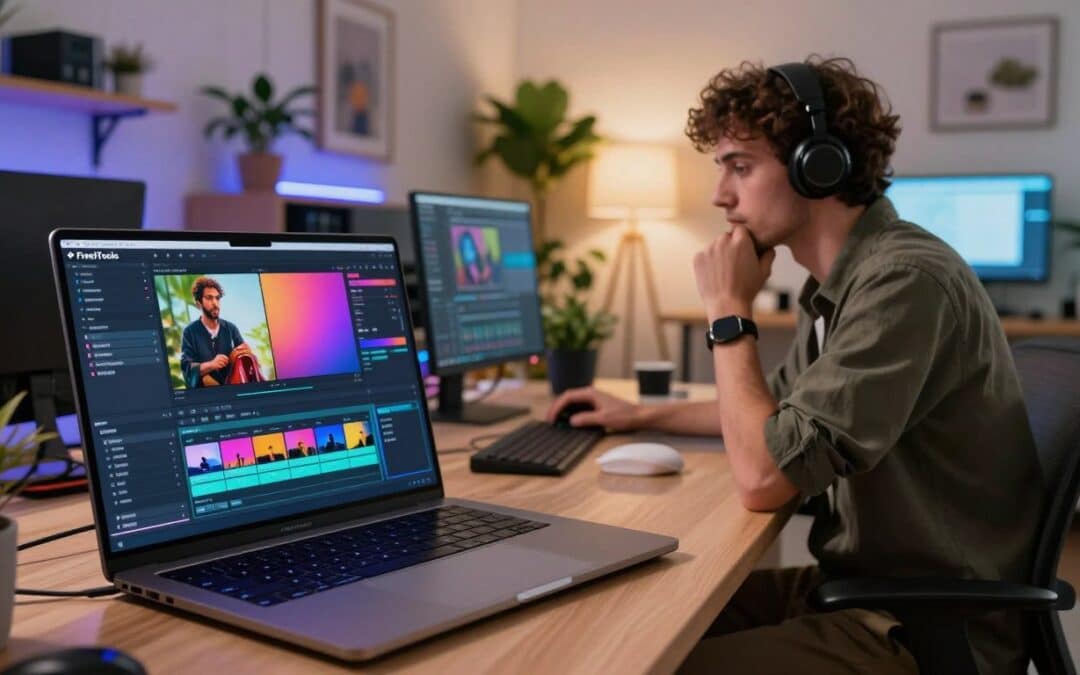
Learning about AI video tools is key to improving your creative work. An online video creation tool connects your ideas with top-notch visuals. It lets you skip the long editing steps.
The world of artificial intelligence video creation has grown a lot. Now, you can make complex scenes or animate characters just by typing a prompt. This change means you can make content in minutes that used to take weeks.
There are two main types of software today. Avatar-based platforms are great for realistic human presenters, perfect for corporate or educational videos. On the other hand, cinematic generators create artistic, abstract, or narrative footage based on text prompts.
| Feature Type | Avatar-Based Tools | Cinematic Generators |
|---|---|---|
| Primary Use | Presentations & Training | Storytelling & Marketing |
| Visual Style | Realistic Human Models | Dynamic Artistic Scenes |
| Input Method | Script-to-Speech | Text-to-Video Prompts |
Choosing the right online video creation tool depends on your project needs. Avatar tools focus on clear communication, while cinematic generators aim for mood and visual impact. Both are at the forefront of artificial intelligence video creation, helping you make more content without needing expensive gear.
Why No Watermark Matters for Creators
When you make content for your audience, you don’t want a logo covering your work. A clean visual aesthetic is key for a strong brand. Using a free AI video generator no watermark keeps your message clear for viewers.
Many platforms have free tiers that add their branding to your work. This makes your content look like an ad for the software. By choosing to create videos without watermark overlays, you keep control over your brand.
For commercial projects or social media, a watermark-free video generator is vital. Videos without labels seem more real and trustworthy to viewers. Professionalism is in the details, and removing tags boosts your video’s quality.
| Feature | Branded Content | Watermark-Free Content |
|---|---|---|
| Brand Perception | Amateurish | Professional |
| Audience Focus | Distracted | Engaged |
| Commercial Use | Limited | Recommended |
| Visual Clarity | Obstructed | Clear |
Your audience wants content that feels personal and thoughtful. Removing unnecessary overlays lets your story shine. Finding the right tools is worth it for a consistent and polished online presence.
Top Features to Look for in AI Video Generators
Choosing the right platform means looking for key features that ensure your videos look great. When searching for an online video creation tool, find software that offers high-quality videos fast. Knowing these technical details helps you make professional videos easily.
One key thing to check is temporal consistency. This feature keeps objects and characters steady, avoiding flickering or morphing. Also, look for physics-aware motion to make scenes look real and authentic.
After making your clips, you might need to edit them with free video editing software. A good AI generator should make it easy to export your videos for editing. This way, you can add transitions, color, and sound to make your project shine.
Here’s a checklist of must-have features to look for in an online video creation tool. These will help you decide if it’s right for your needs.
| Feature | Why It Matters | Impact on Quality |
|---|---|---|
| Temporal Consistency | Prevents frame flickering | High |
| Physics-Aware Motion | Ensures realistic movement | High |
| Export Compatibility | Works with free video editing software | Medium |
The best tools mix automated intelligence with user control. By focusing on these technical needs, your content will stand out. Always try the software with a short trial to see if it meets your quality standards before starting a big project.
Best Free AI Video Generators of 2026
The world of AI video making has changed a lot. Now, you can create videos without watermark issues. Finding a free AI video generator no watermark in 2026 is super easy. These tools help you make great content without spending a lot or seeing annoying logos.
Kling 3.0 is at the top for those who want cinematic realism. It makes videos look like they were shot by a pro. It’s perfect for anyone who needs top-notch visuals for their stories.
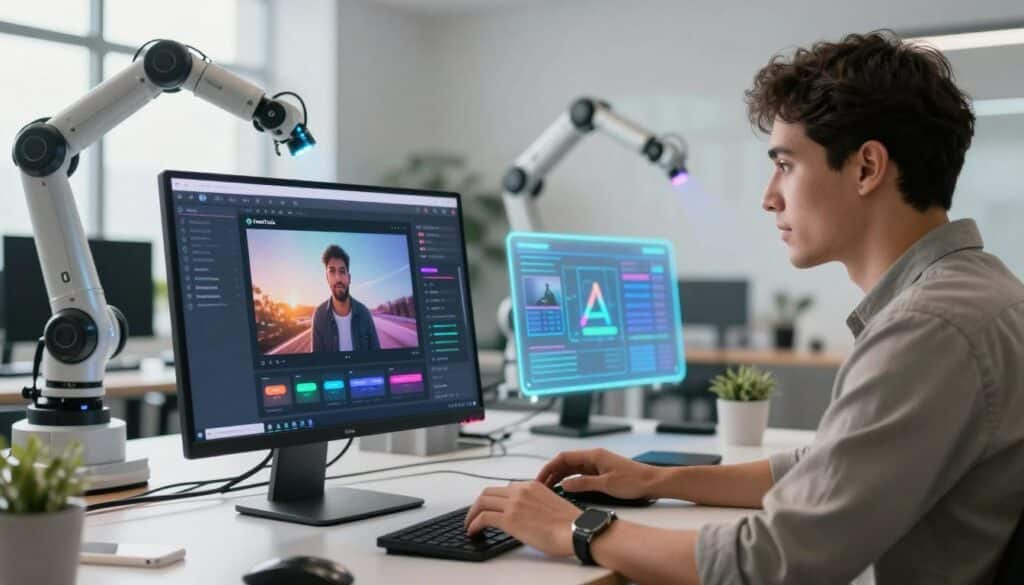
Wan 2.2 is great for those who like to have more control. It’s open-source, so you can tweak your videos a lot. Many experts and developers love it for its customization options.
Choosing the right no watermark video maker depends on what you want to do and how tech-savvy you are. Some tools are easy to use, while others have advanced settings for pros. Make sure to check out each tool’s features to find the best fit for you.
| Tool Name | Primary Strength | Best For |
|---|---|---|
| Kling 3.0 | Cinematic Realism | High-end visual storytelling |
| Wan 2.2 | Open-source flexibility | Customizable creative projects |
| Luma Dream | Fast rendering | Social media content |
The best tools offer a free version that lets you try without limits. These modern tools help you keep your content looking professional. Try them out today and see which one boosts your content the most.
How to Choose the Right AI Video Generator for You
Finding the right AI video tool is easier with a clear plan. It’s a strategic decision based on your hardware, budget, and project type. Knowing what you need first helps you skip unnecessary features.
Creators often face a choice between cloud services and local software. Cloud services are great for those without top-notch hardware, as they do the hard work online. Local software, on the other hand, gives you more control but needs a strong computer.
After making your video, you’ll want to make it look professional. Using free video editing software with your AI tool lets you add special effects and audio. This makes your video stand out online.
When choosing, think about what you need. The right online video creation tool is key for a smooth workflow. Adding free video editing software later will make your video even better.
| Feature | Cloud-Based AI | Local AI Software |
|---|---|---|
| Hardware Needs | Low (Browser-based) | High (GPU required) |
| Processing Speed | Depends on Server Load | Depends on Your PC |
| Privacy Level | Moderate | High |
| Cost Structure | Subscription/Credit | One-time/Open Source |
Tips for Creating Engaging Videos with AI Tools
You can turn simple AI clips into stunning videos with the right steps. Using an AI video maker well means more than just clicking buttons. It’s about planning your prompts carefully. This way, you can control the final look by setting the lighting, camera angles, and character movements.
Getting realistic physics right can be tough, but being consistent is key. Describe the environment in detail to help the AI get how things should move. This makes the AI’s motion sequences more stable and real.
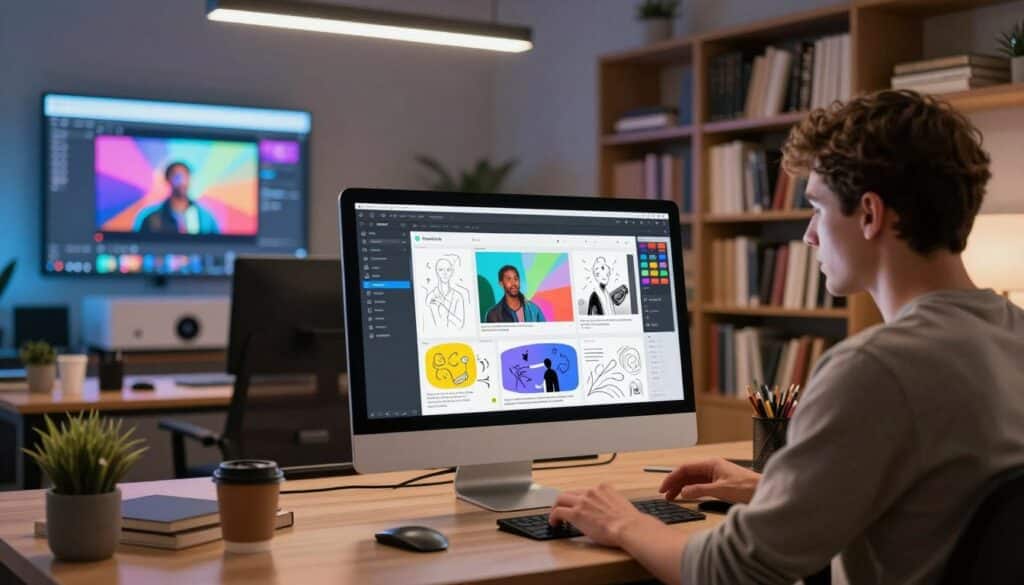
After you have your raw clips, editing is where the magic happens. With free video editing software, you can put these clips together into a story. Add transitions, color, and sound effects to make the AI scenes flow smoothly.
“The true power of technology lies in how we curate and refine the output to tell a human story.”
To keep viewers interested, mix up your shots and pace. Using just one style can make your video feel the same. Mix wide shots with close-ups to keep the video lively and engaging.
The table below shows how to balance AI generation with editing to get top-notch results.
| Process Stage | Focus Area | Key Objective |
|---|---|---|
| Prompting | Character Consistency | Maintain visual identity |
| Generation | Physics & Motion | Ensure realistic movement |
| Editing | Narrative Flow | Create a smooth story |
| Polishing | Audio & Grading | Enhance professional look |
By using a strong AI video maker and free video editing software, you can make your videos much better. Try out these tools to find your own style that grabs attention in the digital world.
Resources for Learning Video Creation
Learning artificial intelligence video creation takes time and effort. The digital world changes fast, so it’s important to keep up. By learning and practicing, you can make sure your videos stay interesting and competitive.
Many creators do well by joining online forums. These places are where experts share their tips and tricks. You can ask questions and get help from others, which is a great way to improve.
Official websites and tutorial series are also key. They offer step-by-step lessons that help you learn new skills. Using these resources helps you stay current with the latest in artificial intelligence video creation.
We’ve put together a list of top resources for you. Each one has its own benefits, depending on your level of experience.
| Resource Type | Best For | Skill Level |
|---|---|---|
| Community Forums | Networking & Troubleshooting | All Levels |
| Official Documentation | Technical Specifications | Intermediate |
| Video Tutorial Series | Visual Learning | Beginner |
| AI Industry Blogs | Trend Analysis | Advanced |
Remember, the most important thing is to keep practicing. Whether you’re new or experienced, these resources can help you get better at artificial intelligence video creation. Start using them today to grow your skills.
Common Challenges When Using Free AI Video Generators
Free AI video tools are amazing, but they come with technical challenges. A watermark-free video generator might limit your video’s resolution. You might not get to choose high-definition, as it’s often only available for those who pay.
Another problem is long wait times. Because many people use these tools at once, your video could take hours to render. Patience is essential when using free versions, as server capacity changes throughout the day.
Using a no watermark video maker also means dealing with credit systems. These systems reset every month, so you need to plan your projects carefully. If you run out of credits, you’ll have to wait until the next month to keep working.
For those who are tech-savvy, self-hosting open-source models can solve these issues. By running the software on your own computer, you avoid server queues and limits. This method requires more technical skill but gives you full control over your videos.
| Challenge | Impact on Workflow | Practical Solution |
|---|---|---|
| Render Queues | High latency | Schedule exports during off-peak hours |
| Limited Resolution | Lower visual quality | Use AI upscaling tools post-render |
| Credit Limits | Interrupted production | Rotate between multiple free platforms |
| Usage Policies | Strict licensing | Self-host open-source models locally |
Knowing about these technical challenges helps you keep your workflow smooth and professional. By being prepared for these issues, you can get the most out of free tools. Success in AI video creation often depends on how well you adapt to these challenges.
Future Trends in AI Video Generation
The next wave of artificial intelligence video creation will change how we tell stories. New technologies are making it easier to create high-quality videos. By late 2026, creators will use tools that blend visuals and sounds better than ever.
One big change is native audio integration. Instead of adding sound files later, videos will have soundtracks and dialogue made right in the engine. This seamless synchronization means every visual will match the audio perfectly.
Also, higher-fidelity physics will make digital objects more real. Advanced artificial intelligence video creation will simulate gravity and light. This lets creators make complex stories that feel real.
These updates will make creating videos easier for everyone. You won’t need to switch between different software to get a great look. Instead, all-in-one platforms will handle everything from start to finish.
Keeping up with these trends is key for anyone wanting to stay ahead. As artificial intelligence video creation gets better, early adopters will have an advantage. Using these new tools will let you tell bigger, more detailed stories more easily.
Conclusion: Elevating Your Content with AI Video Creation
The digital world now gives creators amazing power. You can make professional videos without spending a lot. With modern tech, you can turn simple ideas into engaging stories.
Choosing the right AI video maker lets you keep your brand’s look. Using a no watermark video maker makes sure your message gets through. It keeps your audience focused on what you’re saying, not on logos.
Begin by trying out different platforms to find the one that fits your style. Each tool has its own strengths that can help you shine online.
Being consistent is key to gaining a loyal following on social media. Use these tools to improve your skills and explore what’s possible with automated tools.
Your journey to making high-quality videos starts with just one click. Check out these options today to see how an AI video maker can change your work. A good no watermark video maker will give your projects the professional look they need.
FAQ
Where can I find a reliable free AI video generator no watermark in 2026?
Is an online video creation tool capable of producing 4K resolution?
How can I create videos without watermark on a mobile device?
What are the benefits of using a watermark-free video generator for business?
Can I combine multiple clips from an AI video maker into one movie?
Are there any hidden costs when I use a free AI video generator no watermark?
What is the best artificial intelligence video creation tool for realistic human movement?
How do I get started with a no watermark video maker if I have no experience?
What you should know about Best Free AI Video Generators with No Watermark in 2026
Best Free AI Video Generators with No Watermark in 2026 sits within the broader space of AI video generation, a category that has become essential for creators, marketers, and small businesses that need to publish high-quality content at speed. Whether you are building an AI influencer brand, scaling a content studio, or simply trying to keep up with platform algorithms, picking the right ai video generation workflow can save dozens of hours per week and meaningfully change how your content performs.
On this page we go beyond a one-line description and walk through what Best Free AI Video Generators with No Watermark in 2026 is best at, how it compares to alternatives, the typical results creators are seeing in 2026, and the pitfalls that experienced users tell us to avoid. The goal is to help you decide — quickly and confidently — whether this is the right tool to add to your stack right now or whether a different option in our AI Tools Directory may fit your use case better.
Who is Best Free AI Video Generators with No Watermark in 2026 actually built for?
The honest answer is that most ai video generation tools today are marketed to “everyone”, but in practice they tend to serve a few clearly defined creator profiles much better than others. Based on our own testing and on community feedback inside the AI Video Influencer Discord and our reader surveys, Best Free AI Video Generators with No Watermark in 2026 is a strong fit if you regularly produce short-form social videos for TikTok and Reels, YouTube content, ad creatives, product demos, storytelling clips, if you publish more than a few pieces of content per week, and if you value iteration speed over absolute pixel-perfect control. Solo creators, lean marketing teams, e‑commerce brands, and AI influencer operators are the four groups that consistently get the most out of this category in 2026.
If your workflow involves long-form cinematic projects, broadcast-grade output, or strict brand-safety pipelines, you may still want to pair Best Free AI Video Generators with No Watermark in 2026 with a more traditional production tool. We cover those hybrid workflows in our deeper guides about creating an AI influencer and our complete AI tools breakdown.
Strengths, limits, and how it compares
The biggest strength of Best Free AI Video Generators with No Watermark in 2026 — and of modern ai video generation tools in general — is the speed at which a single creator can now ship work that would have required a small agency just two years ago. The most common limits are around fine creative control, consistency across a series of assets, and the learning curve of prompt design. Most users hit a productivity plateau in the first two weeks, and breaking past that plateau usually comes from studying prompt patterns, reusing presets, and building a small internal “style library” of prompts and reference images that you can call on quickly.
When comparing tools in this category we focus on five concrete dimensions: output quality, generation speed, pricing per finished asset, integrations with the rest of a creator workflow, and how transparent the company is about training data and commercial usage rights. Best Free AI Video Generators with No Watermark in 2026 performs differently on each of these axes, which is why a side-by-side comparison is far more useful than a single star rating. You can use our tools directory to compare across the full landscape.
Frequently asked questions
Is Best Free AI Video Generators with No Watermark in 2026 good for beginners?
Yes — most ai video generation tools in 2026 are deliberately designed with a low entry barrier. You can usually get a usable first result within a few minutes, and most platforms now include templates, sample prompts, and tutorials that shorten the learning curve. The real beginner challenge is not the tool itself; it is learning to write prompts that consistently produce the look and feel you want.
Can I use the output commercially?
It depends on the plan you are on. Free tiers almost always restrict commercial use, and even paid plans often have conditions around training data, attribution, or platform-specific rules. Always re-read the latest terms before you ship a campaign, especially if you are running paid social ads or selling physical products that feature the generated content.
How does Best Free AI Video Generators with No Watermark in 2026 compare to free alternatives?
Free tools have improved enormously and can absolutely cover basic use cases. The trade-offs typically show up in three places: output resolution, queue waiting times during peak hours, and the ability to use the result commercially. For occasional personal projects, free is often fine. For anything client-facing, brand-critical, or part of a paid funnel, a paid plan is usually the cheaper choice once you factor in your own time.
Do I need any technical skills?
No formal technical background is required. Comfort with experimenting, reading short documentation pages, and treating prompts as a small craft will take you most of the way. If you want to push into more advanced territory — fine-tuning, LoRA training, API integrations — that is when a developer mindset starts to pay off, but it is not a prerequisite to getting professional-looking work.
What to read next
If Best Free AI Video Generators with No Watermark in 2026 sounds like a fit, the natural next step is to combine it with the rest of your AI stack so you are not jumping between dozens of single-purpose tools. We strongly recommend starting from our free AI tools for influencers guide, then layering paid options where the time savings clearly justify the cost. Creators who treat their stack as a system — rather than a collection of one-off tools — tend to be the ones who scale most predictably in 2026.
You can also explore deeper category guides on AI video generators, AI image generators, AI voice tools, and AI transcription. Each guide includes our updated 2026 picks, pricing notes, and the workflow we recommend depending on whether you are a solo creator, agency, or in-house team.